tl;dr PhotoSorter is a tiny macOS utility for sorting loose images into folders with keyboard shortcuts.

I built PhotoSorter for myself a few months ago because I needed a faster way to clean up folders full of random images.
By “photo library” I mean photos managed by Photos on macOS, Google Photos, or any other actual photo management app. PhotoSorter is for everything outside of that. Screenshots, saved memes, random images from Downloads, and all the other stuff that somehow piles up on disk.
It does one thing: you point it at a folder, create a few categories, and sort images one by one using keyboard shortcuts.
Each shortcut moves the current image into its matching category folder and advances to the next one. That’s it.
Why
Every few months I need to declutter my Desktop and Downloads folders from all kinds of random files, most of which are screenshots.
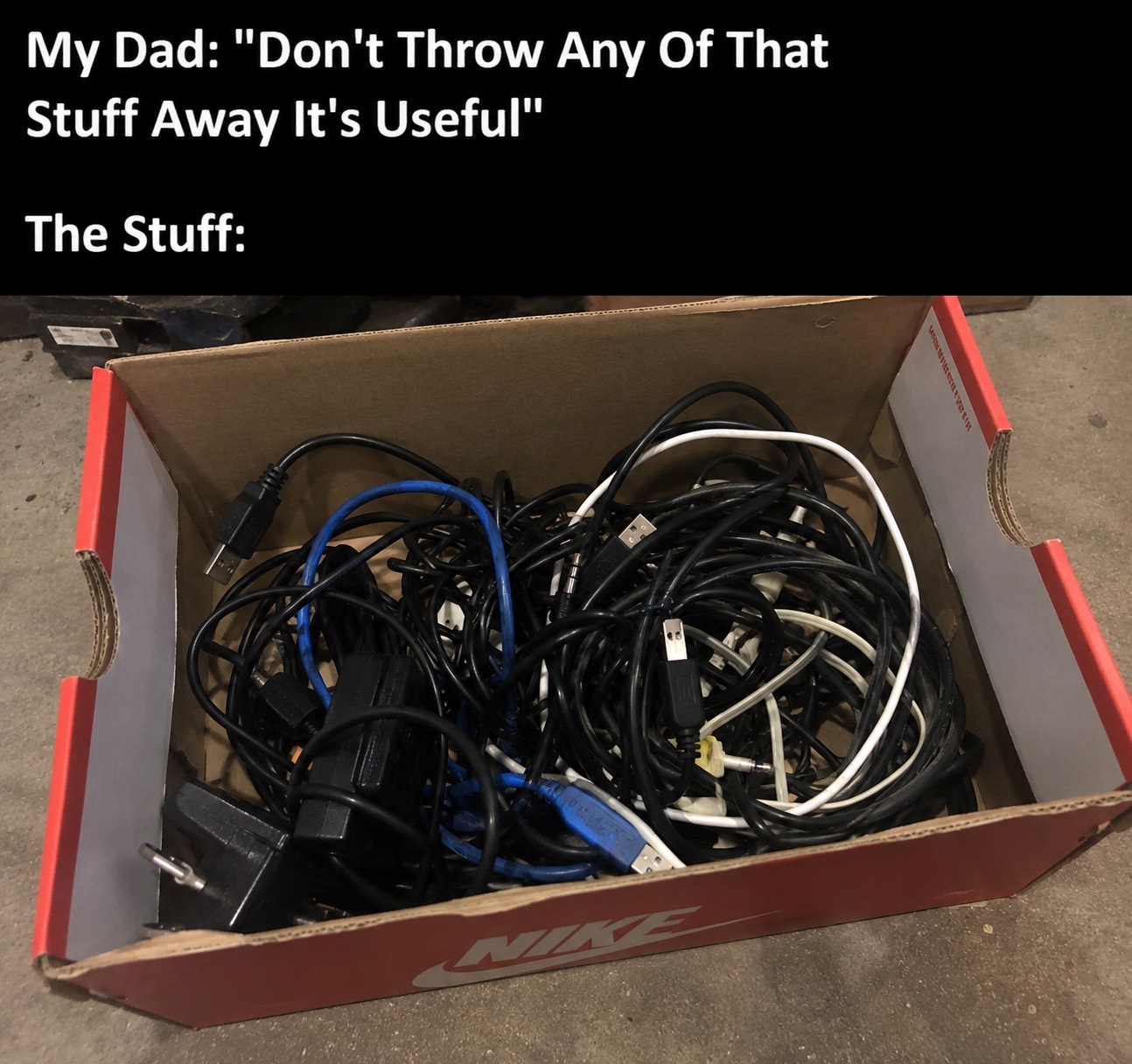
I’m a hoarder. I don’t delete stuff. I just put things away for later in case I ever need them.
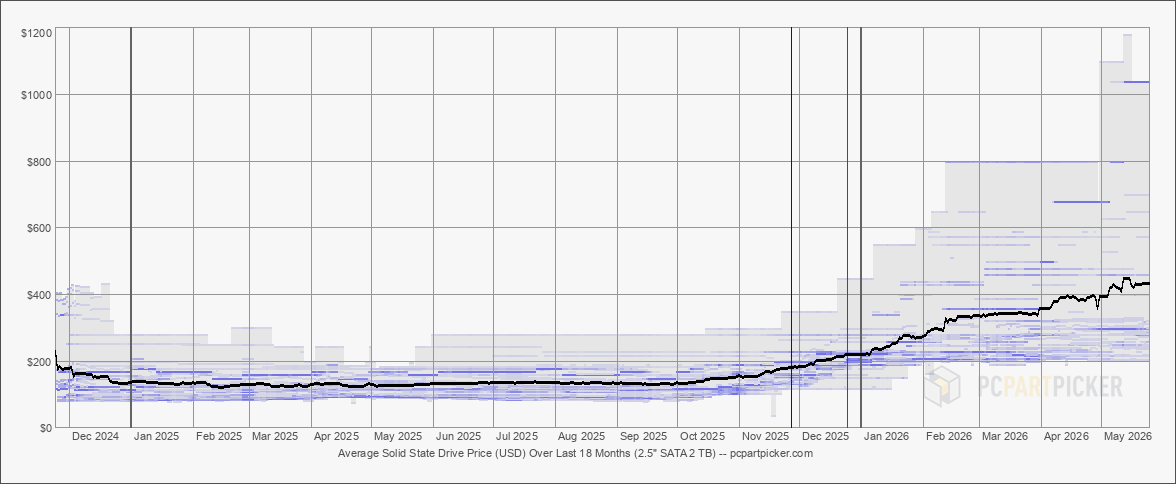
Why shouldn’t I. Storage is effectively free. At least it felt that way back in 2023 when I was setting up my NAS.
Technically I could add all those images to my photo library and let Photos sort them for me, but I prefer to keep them separate.
First, I like to keep my photo library clean. Adding hundreds of random screenshots is the opposite of that.
Second, while doing the quarterly image sorting, I often find stuff where some action is required: schedule an appointment, follow up with someone, create a Jira ticket, whatever. Most of it is just screenshots of tweets tho.

Before PhotoSorter I did this manually by dragging and dropping images into different folders. At some point I tried using macOS tags in Finder, but those don’t support keyboard shortcuts either. Both solutions required way too much mouse movement.
I couldn’t find a good existing solution for this exact problem, so I built PhotoSorter.
There are probably a dozen people around the world who need this kind of tool, but I wanted to share it nonetheless. I’ve been using it for a while now and it has already saved me a lot of time.